Free Online Creator Tools That Run 100% In Your Browser
Fast, private utilities for writers, designers, and developers — no uploads, no signup, no tracking.
✔ Works entirely in your browser
✔ No data uploaded to servers
✔ Completely free forever
✔ Built by a writer for creators
These free tools are designed to help with everyday creative tasks. They run entirely in your browser and do not store your data, but you should always double-check results for important work.
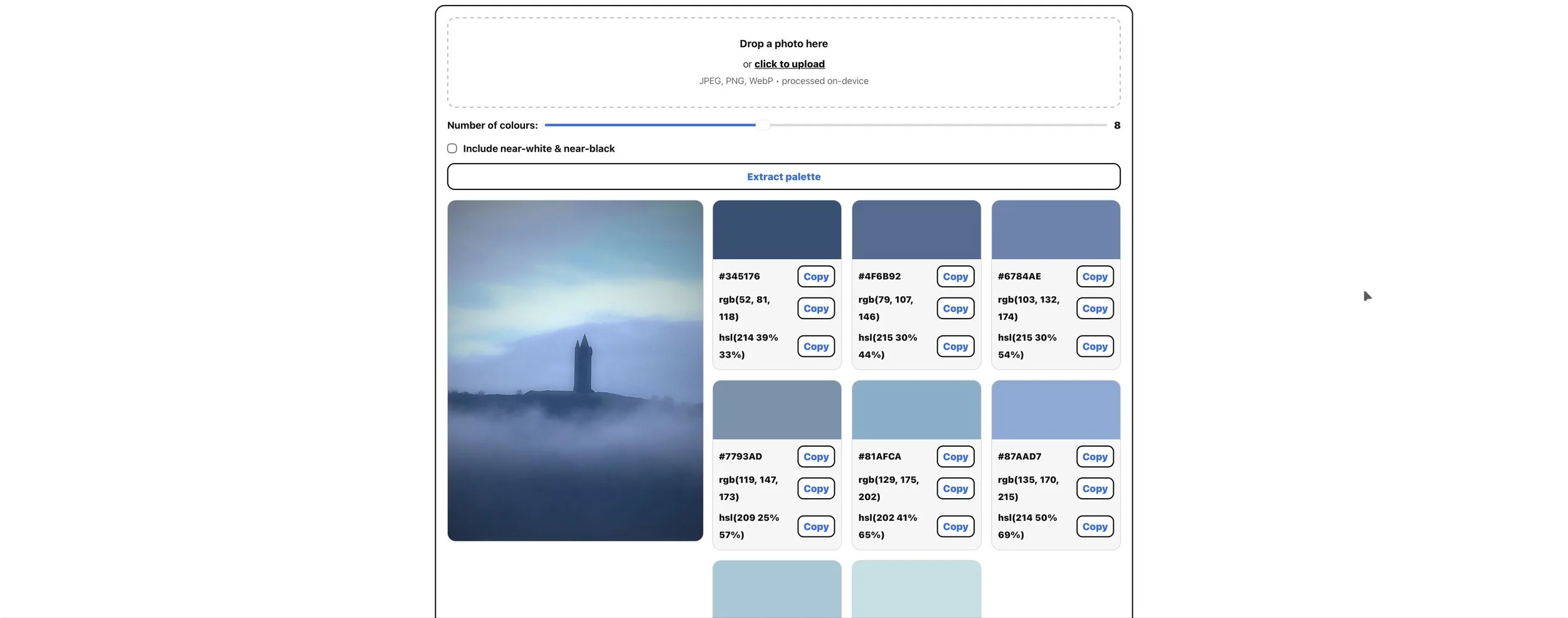
🎨 Color Palette Extractor
Extract dominant colours instantly from any photo. Perfect for designers, photographers, and branding work.
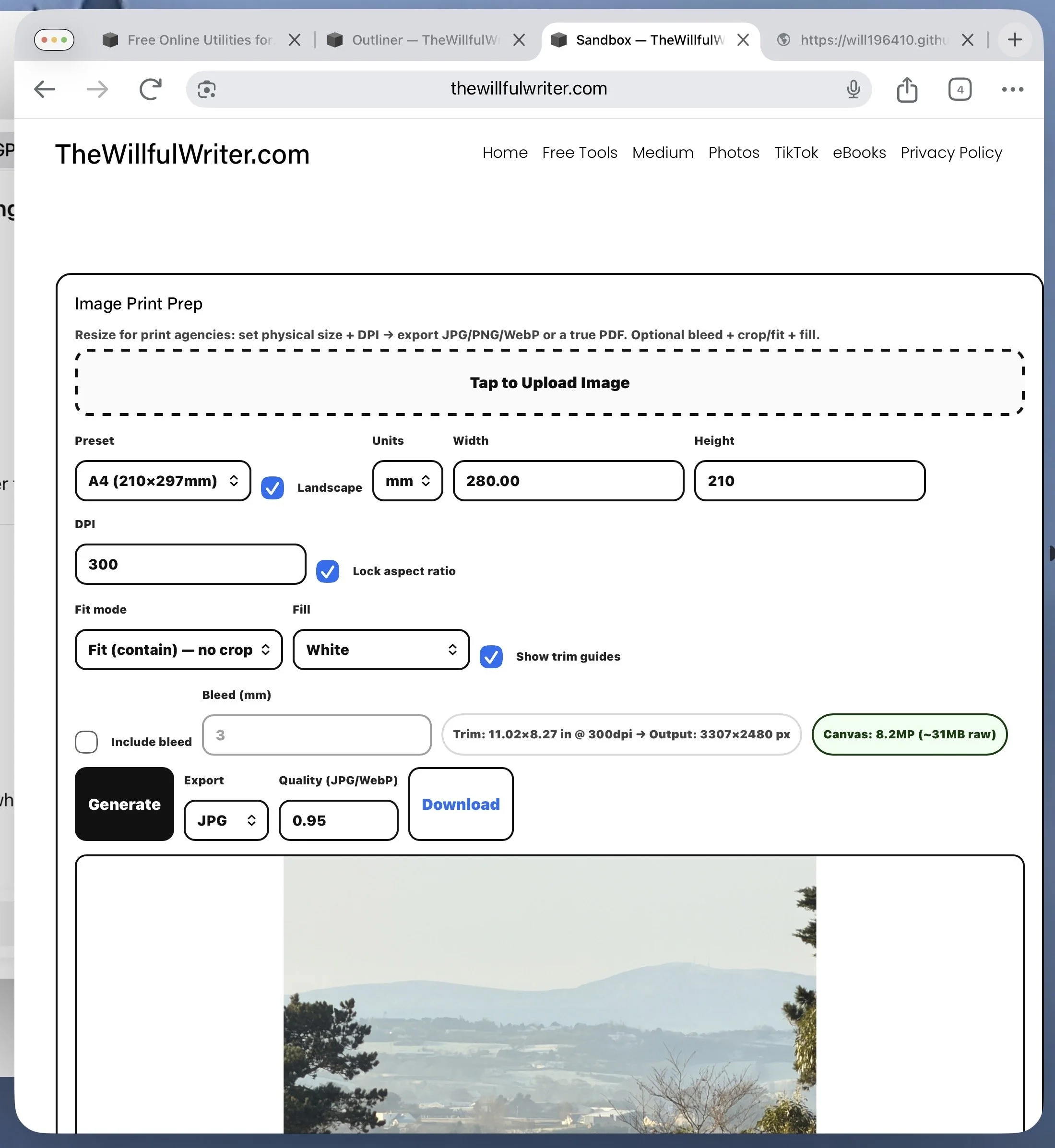
🖼 Image Resize
This tool lets you resize photos using real-world dimensions (mm or inches) with full DPI control. Choose from common presets (A4, A3, photo sizes), switch Jorientation.
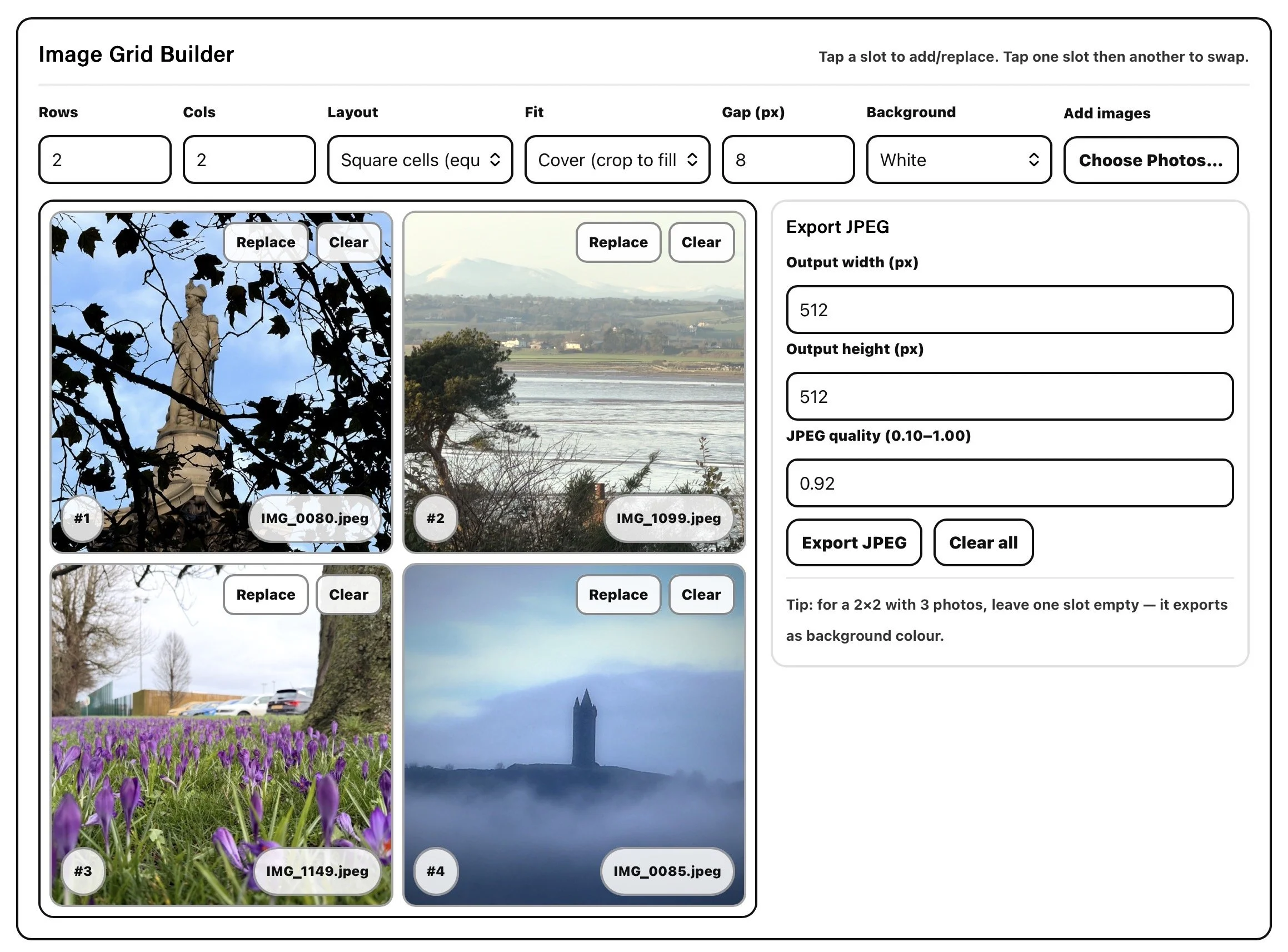
🧩 Image Grid Builder
Create clean, flexible image grids in seconds.
Upload your photos and experiment with different layouts — from simple 2×2 comparisons to larger 4×4 grids and beyond. Switch between equal square cells or natural image proportions, adjust spacing, and choose a black, white, or grey background.

MOUSE
Organise Markdown using a visual tree editor. Reorder sections, tag branches, unwrap sequences, and track structure and word counts while planning.
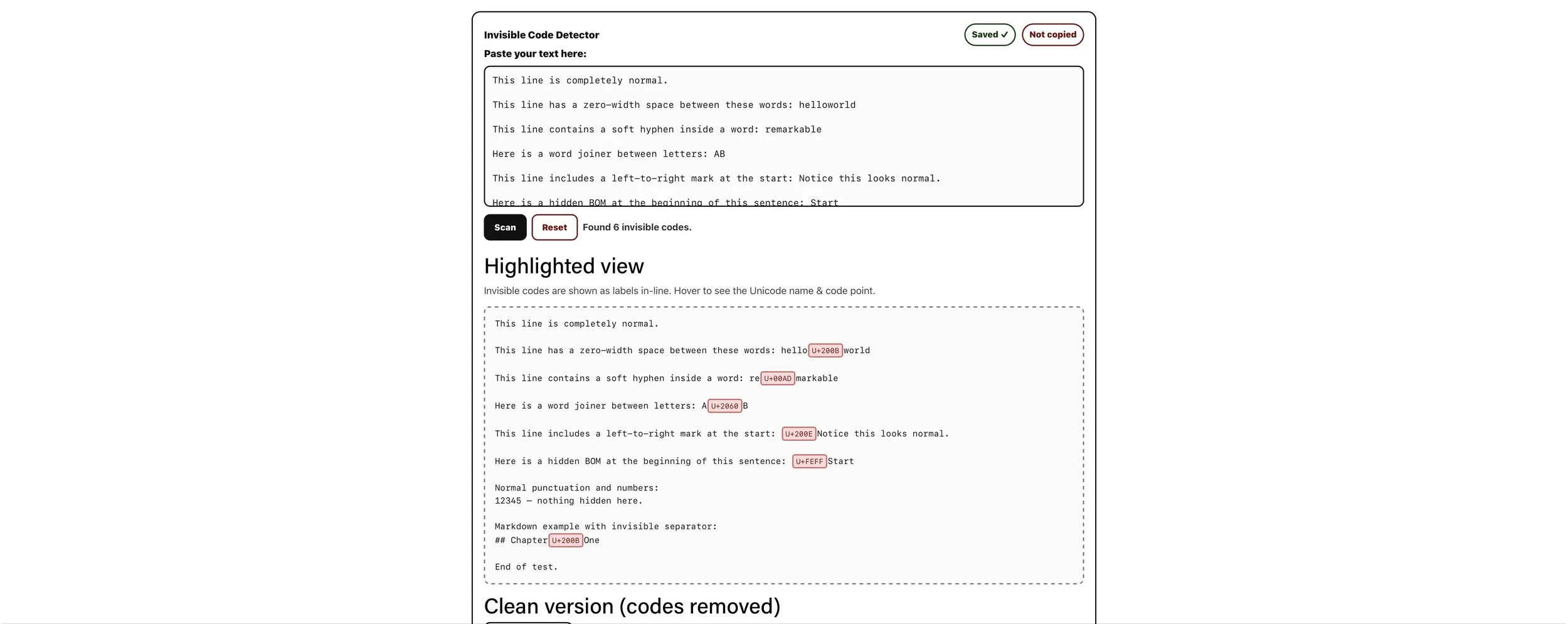
🔍 Invisible Character Detector
Find hidden spaces, non-breaking spaces, and formatting issues in seconds.
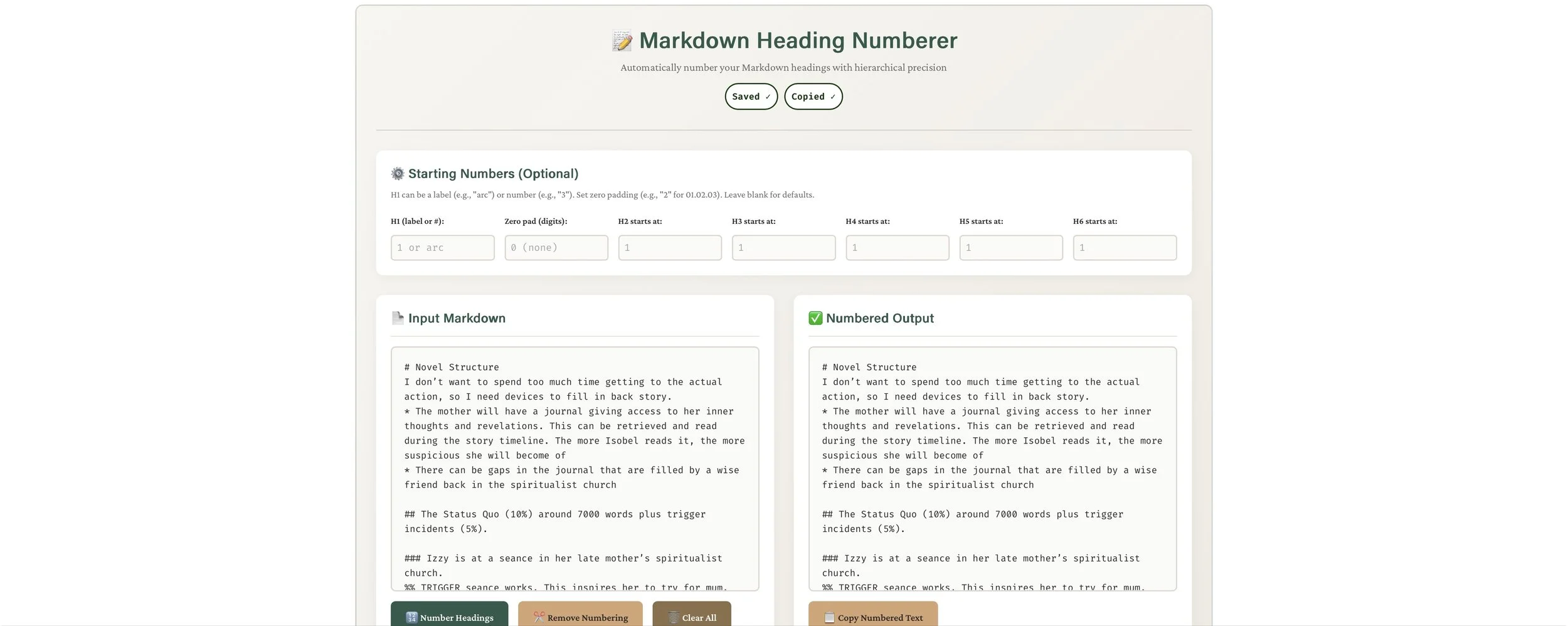
🔢 Markdown Heading Numbering Tool
Automatically number headings in Markdown documents with clean formatting.

🔤 Text Line Sorter
Sort text alphabetically, reverse order, or remove duplicates instantly.
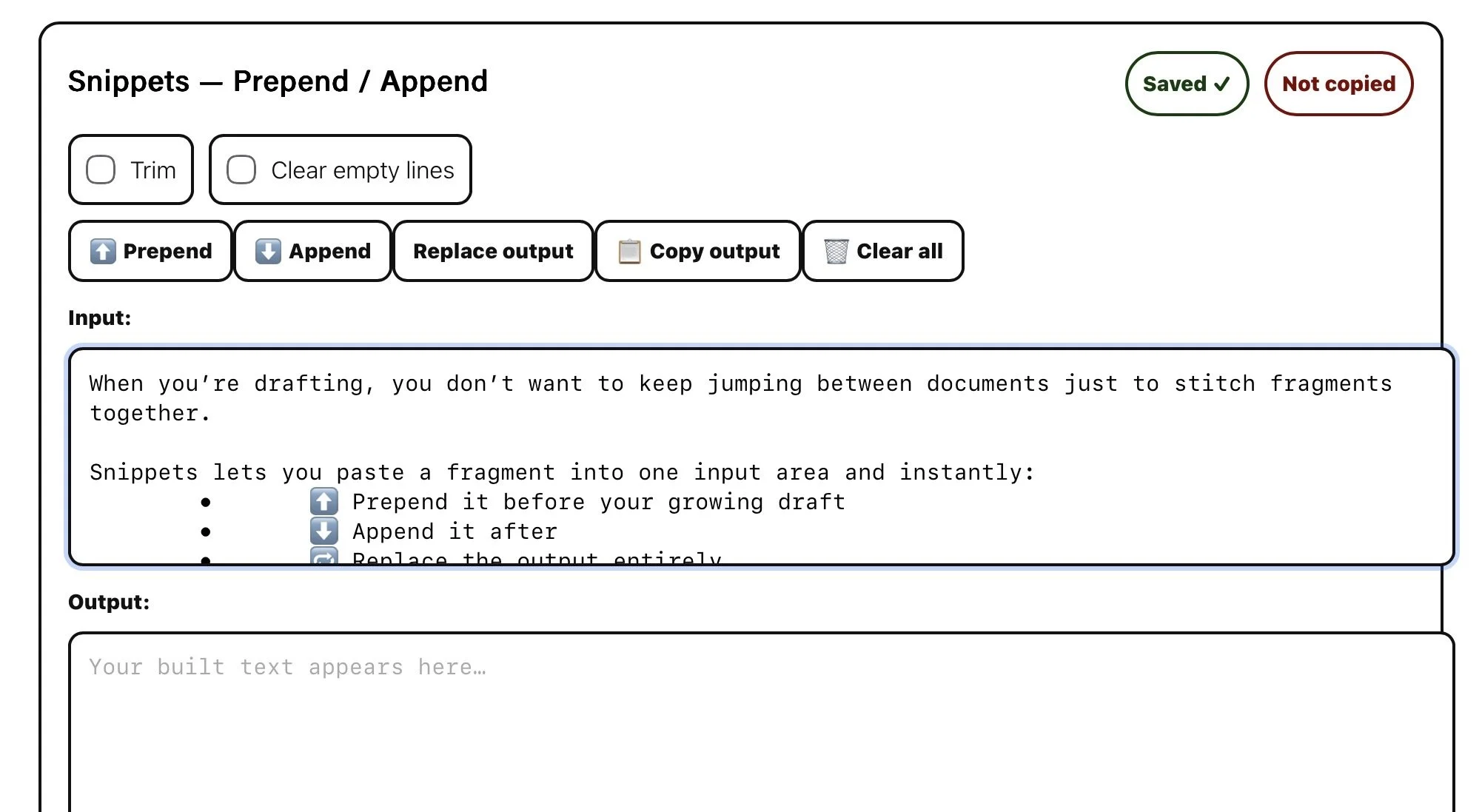
✂️ Snippets — Build Text Fast
When you’re drafting, you don’t want to keep jumping between documents just to stitch fragments together. Snippets lets you paste a fragment into one input area and instantly:
⬆️ Prepend it before your growing draft
⬇️ Append it after
✂️ Trim lines and remove empty space
📋 Copy the finished result with one tap
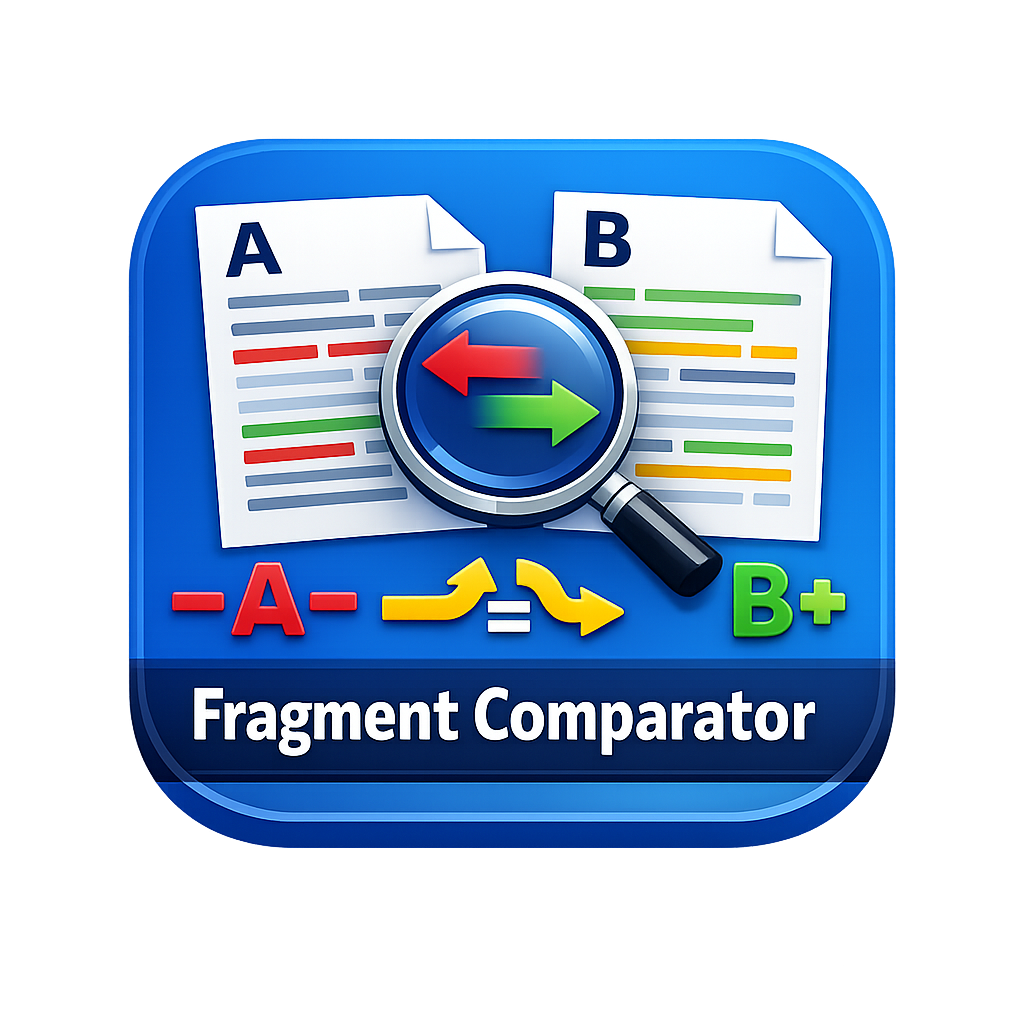
🧩 Text Comparator
Compare two texts instantly by line, word, or sentence.
See what’s missing, what’s been added, what stayed the same, and what has moved. A quick browser-based tool for writers, editors, and developers checking revisions.
🧩 Tag Table
Build a table of strings on your device to copy and paste into other apps. Intended to manage tags on MOUSE.
🧩 Prose Check
Check prose for filter words, sentence length, repetition, and readability..
How These Free Tools Help Creators
Creative work often involves far more than inspiration. Writers, designers, developers, and students spend a surprising amount of time on small but necessary technical tasks — organising ideas, cleaning up text, extracting colours, or preparing content for publishing. These tasks are rarely the focus of the work, yet they can interrupt flow and slow progress.
That is where simple, focused tools make a real difference. Instead of switching between complex software or uploading files to online services, creators benefit from lightweight utilities that solve one problem quickly and clearly. When a task can be completed in seconds, it reduces friction and allows attention to return to the creative process itself.
Browser-based tools offer an additional advantage: privacy and control. Many online utilities require users to upload documents or images to remote servers, which can be a concern when working with unpublished writing, client materials, or sensitive data. Tools that run entirely within the browser eliminate this worry, because nothing leaves the user’s device.
These utilities are designed with that philosophy in mind — simple, fast, and respectful of creative workflows. They are not intended to replace professional software, but to complement it by handling the small, repetitive tasks that arise during everyday work.
By reducing friction, protecting privacy, and saving time, well-designed tools help creators stay focused on what matters most: thinking clearly, working efficiently, and bringing ideas to life.