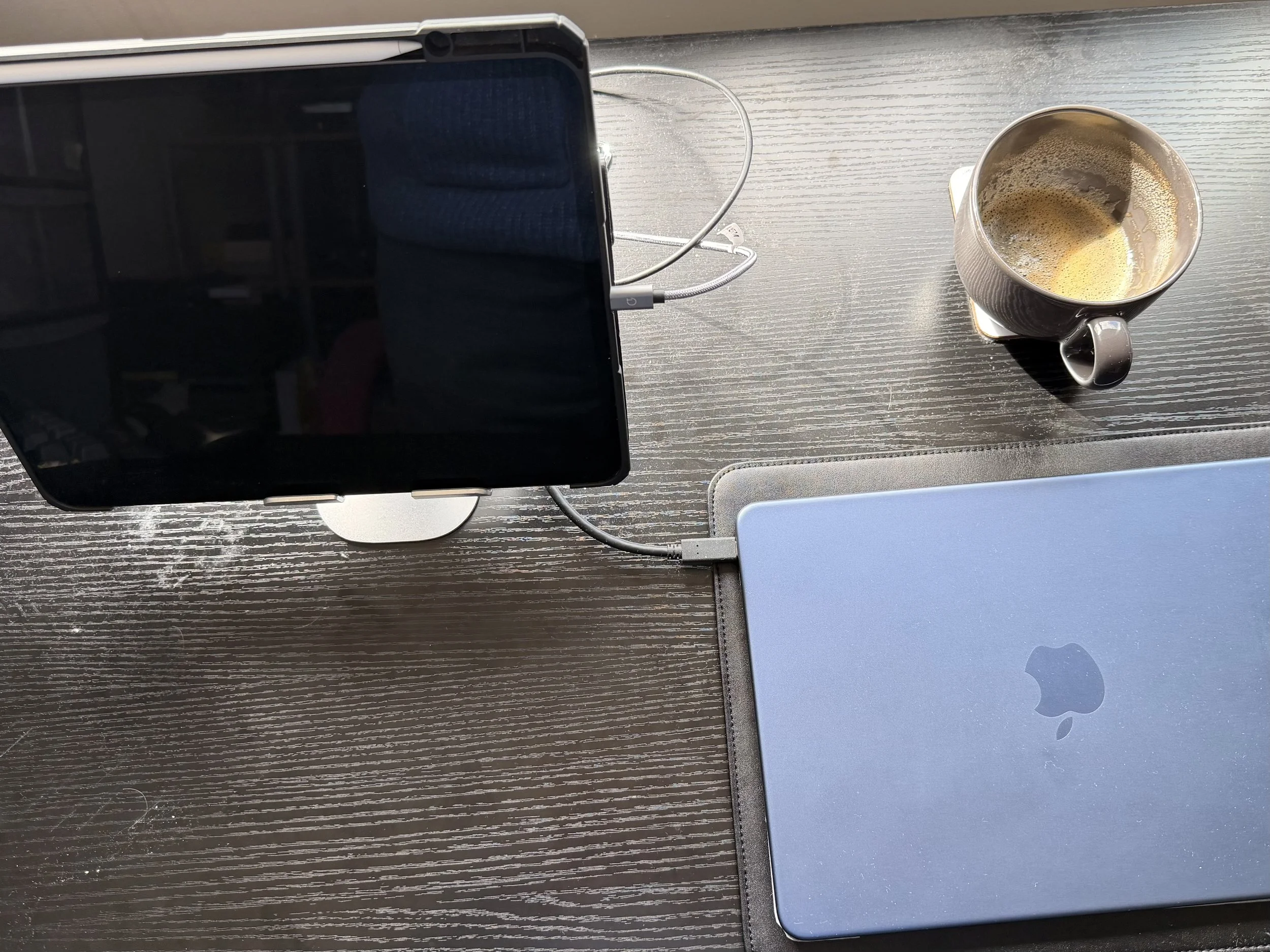
The Mac Neo kills the iPad
Apple once made the iPad feel like the future of personal computing. But the affordable MacBook Neo changes the argument. If you want real productivity, full macOS, proper apps, a built-in keyboard, and fewer compromises, the iPad Pro suddenly looks much harder to justify.
Considering buying an iPad for productivity? Think again
What was it about the Mac Neo that made me find a reason to buy one five weeks ago? I’m a simple soul, and I like simple things, so maybe the Neo’s simplicity did it. It’s a Mac laptop at a great price. Everything you need is there. Simple.
Simplicity of a different sort was what attracted me to the iPad in 2010. Apple had simplified what a computer was. There was no need for disks, command lines, or a clutter of windows. It had the potential to be focused on what you wanted to do, not needing to know how a computer worked. From humble beginnings, it could be a new computing paradigm.
The iPad was the future once
At first, I think Apple thought that about the iPad as well. It was the future of personal productivity, A computing device built from the word go for simplicity and security. Locked down to fend off malware. A computing appliance rather than a computer. No need for a command line, or even a keyboard.
It didn’t work out like that. Apple Silicon revitalised the Mac. Dumping Intel delivered impressive computing power and even more impressive battery life. The iPad had been the future once, but now it was being completely overshadowed by Mac. That’s ironic because the Neo is possible only because of technology originally developed for iPhone and… iPad.
Sticking plasters
Boy, did Apple Silicon-powered Macs hurt iPad. Whether Apple had a product plan for iPad or not, I don’t know, but if it did, it went out the window. iPad support for external monitors didn’t arrive until 2022. 2022. Fully functional professional productivity apps were as rare as rocking horse droppings. Even fully functional overlapping window support didn’t arrive until 2025. Windows had that back in 1995.
Still, 2025 was the year when the iPad leapt forward. Apple did love it after all. Fully functional windows and proper monitor support. Pro applications such as Logic Pro became available. They still weren’t the fully functional Mac versions, but you could do 80% or 90% of the stuff you needed… probably.
Full fat Mac
And then Apple drops the Mac Neo, running a fully functional version of macOS. No compromises. And with that macOS, you run fully functional apps. No app anxiety.
And you get a keyboard. Want to plug in a monitor? Go ahead, but the 13” screen is great. Fancy overlapping windows? Not a problem. And the Neo is affordable. Oh, yes. The 13” Neo is half the price of a 13” iPad Pro, which doesn’t have a keyboard.
Another irony. The Neo is running last year’s iPhone Pro processor. Not last year’s iPad Pro processor. The iPhone Pro processor. Yes, a phone chip runs full macOS. And the Neo, doing far more, is cheaper than an iPhone Pro, doing far less.
Buyer’s regret finally hits
If, like me, you bought an iPad Pro, hoping to do pro work, how do you feel? In iPad world, so much of your life was spent searching for workarounds and making compromises. Each WWDC would be the year Apple fixed iPadOS.
But Apple never did. It was sticking plaster after sticking plaster. There was a better way. All they had to do was to release macOS for iPad. Job done. The Neo proves that.
If the rumours are true, Apple will release a MacBook with a touchscreen this year. If Apple does, iPad owners focussed on productivity can ponder what it’s like to be on the wrong side of corporate history. Meanwhile, I’m enjoying my Neo.
TagTable for Writers: Never Lose Track of Weird Names Again
Working on a writing project full of strange names, invented terms, or awkward jargon? You need to spell them right every time. But where do you keep them so they are easy to find and even easier to copy?
That was the problem I ran into while writing long fiction (70,000 words+).
Not the main characters. Those tend to stick. It was the smaller characters, odd place names, bits of worldbuilding, and made-up fantasy words. I would invent a name, use it once or twice, and then later wonder whether I had spelt it the same way before.
Yes, I could have kept everything in Apple Notes or another document. But that still meant opening the note, searching for the term, selecting it, and copying it. None of that is hard. But over time, that friction adds up.
I wanted something simpler: a place to store text fragments and copy them with one tap.
How TagTable helps
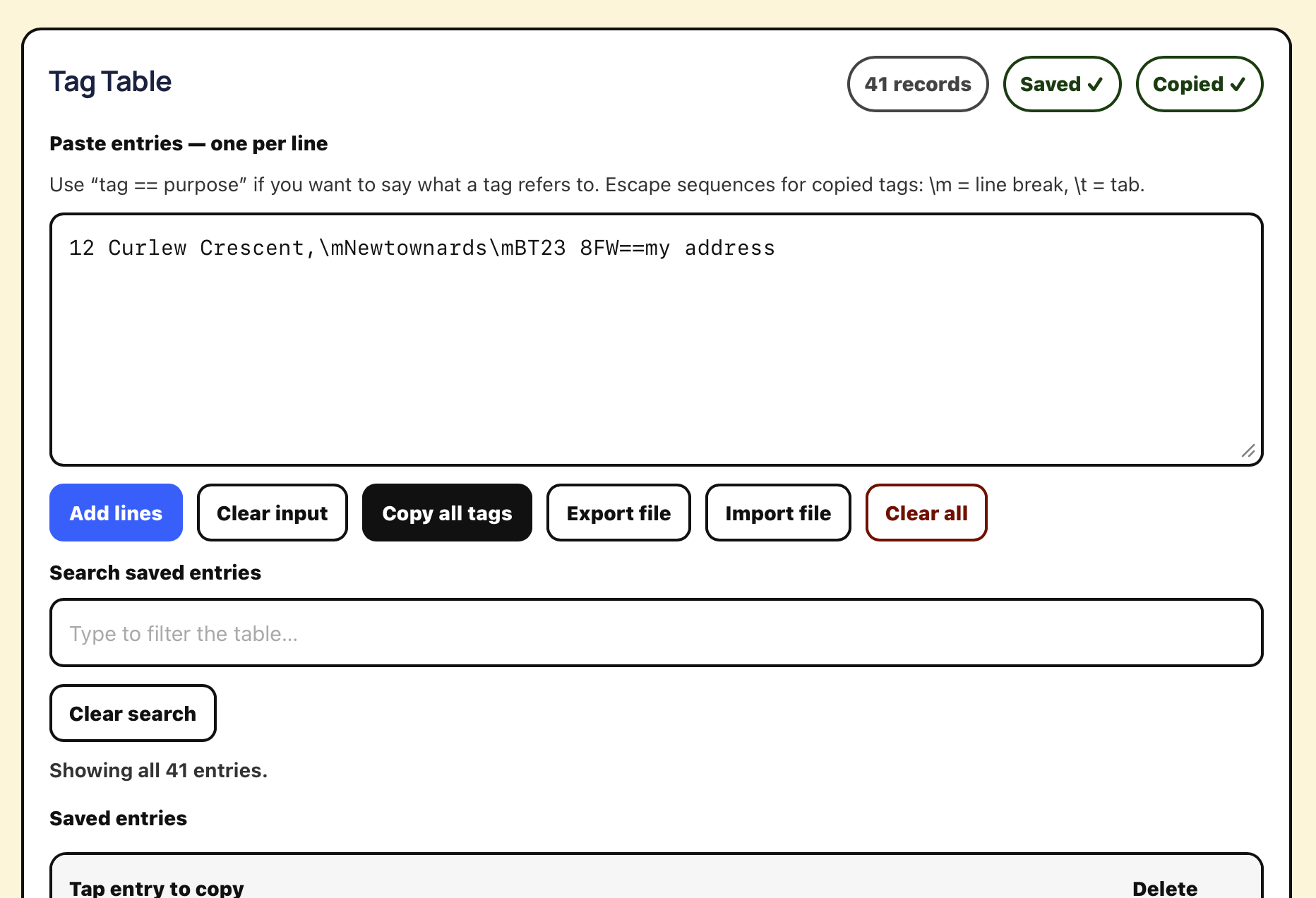
TagTable is a small browser-based tool that stores snippets of text in a searchable table.
Each entry has:
a text fragment — the text you want to copy
a tag or purpose — a label that helps you find it later
You can add entries one at a time, or paste in many at once, one per line.
Once your entries are in TagTable, you can:
search for them quickly
copy the text fragment with a tap
use special characters such as tabs and new lines
export the table for backup or transfer
Like my other tools, TagTable runs entirely in your browser. Your data is stored locally in your browser’s storage. If you want to move your table to another browser or another machine, export it first.
Tips for using TagTable
To create a new entry, use this format:
Arkshazian Ranger==minor character name
In this example:
Arkshazian Ranger is the text fragment
minor character name is the label or purpose
Tap anywhere in the body of the table entry to copy the text fragment to the clipboard.
You can also embed special characters:
use \m for a new line
use \t for a tab
use \\ for a literal backslash
That makes TagTable handy not just for names, but for repeated chunks of formatted text too.
Why I made it
TagTable exists to reduce friction while writing.
When you are deep in a draft, you do not want to stop and hunt for a weird name, a technical phrase, or a repeated bit of wording. You want to find it instantly, tap once, and keep writing.
That is the whole ide
From Idea to Story: A Writer’s Workflow for Planning Fiction
A practical story planning workflow for fiction writers: use a story plan, timeline, and chapter plan to turn ideas into a workable novel outline.
A good idea is not a story. Story planning is what turns a flash of inspiration into something you can actually draft. This is the fiction-writing workflow I use to move from that momentary flash to a story plan, a timeline, and a chapter plan.
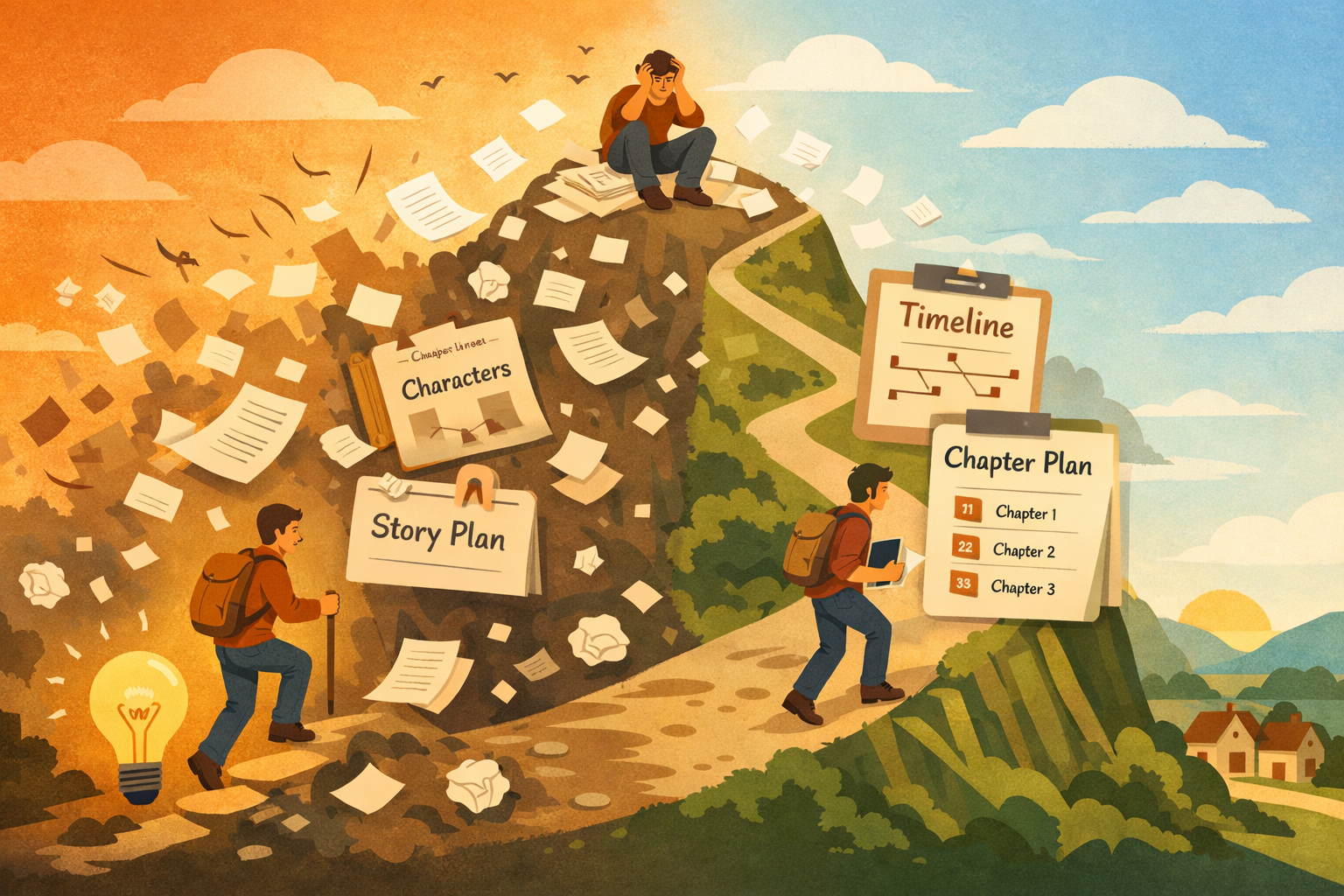
Turning inspiration into a workable story is like climbing and descending a hill of chaos. When you start, you’re at the base, with the beginnings of a story. Is it a short story, or a novel, or nothing at all? Let’s assume it’s worth investigating.
Time to climb. Expand and unpack the idea, and suddenly, you have characters, plot points, locations: all of that. You’ve got lots to work on, but it’s chaotic. You’re at the top of the hill, or maybe mountain.
Now you have to bring order to the chaos. You have to establish a chain of events. Discard and cut, group together, and improve. You’re editing.
As the storyline establishes itself, the level of chaos drops, and you descend the hill. Finally, you’ve found a level you’re happy with, and you’re on the other side.
MOUSE
I created MOUSE to help with this process. This is a browser-based outliner app that I developed using ChatGPT and Gemini. It’s free, no ads, and I don’t track anyone.
Using MOUSE, you can treat a Markdown document like an outline. Here’s how I get over that hill. My workflow creates three outline documents.
* The Story Plan
* The Timeline
* The Chapter Plan
The Story Plan
This is a “living document.” That means it changes a lot! This is my first dump of everything I know about an idea. It starts with a summary of the idea, normally a single paragraph.
For example: Alex the squirrel wants to be human, and has decided it’s possible if she eats magic hazelnuts. She searches for magic hazelnut trees and almost gets run over by a careless driver. She realises that being human isn’t so great, and sticks with normal hazelnuts. Obviously, a bestseller.
At that point, I list characters, noting any quirks, character flaws, ambitions etc. Each character’s story arc follows, made up of scenes.
The Timeline
If you want a story to make sense, there has to be an underlying timeline. The characters’ individual arcs need to be woven together: consolidated. To get this done, you may need to add phases. Break the story into parts. Character arcs will intertwine these components.
The story doesn’t have to follow that timeline, but it will form the foundation. You might decide to jump about the timeline. That seems to happen frequently in modern TV drama. Think of the Amazon Prime TV adaptation of the Scarpetta novels. This is based on Patricia Cornwell’s books about the career of a forensic pathologist. The TV adaptation conflates several books, so the series jumps back and forth in time, but there is a unifying timeline. By the way, too much jumping around for my taste!
It’s at this point a tool like MOUSE is handy because you don’t have to separate your Markdown document from the outline. They can be the same.
In my example, I might add these layers (story arcs):
1 Discovery of hazelnut powers.
1.1 Stumbles into a garden.
1.2 Talks to garden nymphs.
2 The search for magic trees.
2.1 Finding the map
2.2 Finding a compass.
3 The accident.
4 Lesson learned.
These phases need not make it into the final story, though it’s possible. They are there to help you bring structure.
But this hierarchy that helps you bring structure and order is a liability if it’s explicitly made part of a story. Imagine if the Lord of the Rings had headings and subheadings! People are used to reading chapters, so the hierarchy needs to be flattened.
The Chapter Plan
This document takes me beyond the timeline into constructing the actual book. I need a sequence of chapters that represents a narrative. The narrative is my take on events, and one sequence of events can support many narratives.
In my bizarre squirrel story, I could gloss over consultations with the garden nymphs, making the squirrel seem reckless. Then I could have a flashback to the nymph scene after the accident to drive home how dumb the squirrel was. Do I want to tell a salutary tale about listening to people?
Alternatively, I could spend lots of time on the talks with the nymphs, but show the squirrel spending too much time searching the map and compass. The squirrel gets so lost in the detail of the search, she gets distracted. Am I telling a tale about losing perspective?
Allocate chapters to create your chosen narrative. Map your timeline and character arcs to chapters. If you get confused and don’t know where to go next, refer to the timeline.
It might be helpful to divide a story into parts. These could be substories. Part 1 of my squirrel epic could be life with the nymphs. Part 2 could be about the search for the map and compass. Part 3 is about the tragic conclusion.
If you have the time and mental energy, it’s worth exploring several narratives. If you use MOUSE, you’ll find it easy to move chapters around and copy from the timeline document. I found it too difficult to do using a document by itself.
Go Write…
Having done all that, I can now go and just write. Creating those documents maps out the story in my head. I don’t have to adhere to it strictly, but it’s my guide. It means I know what to write next. That’s more valuable than you might think. So, are you going to let that brilliant idea flutter away, or are you going to get ready to write?
JFDI: The Only Productivity Tool
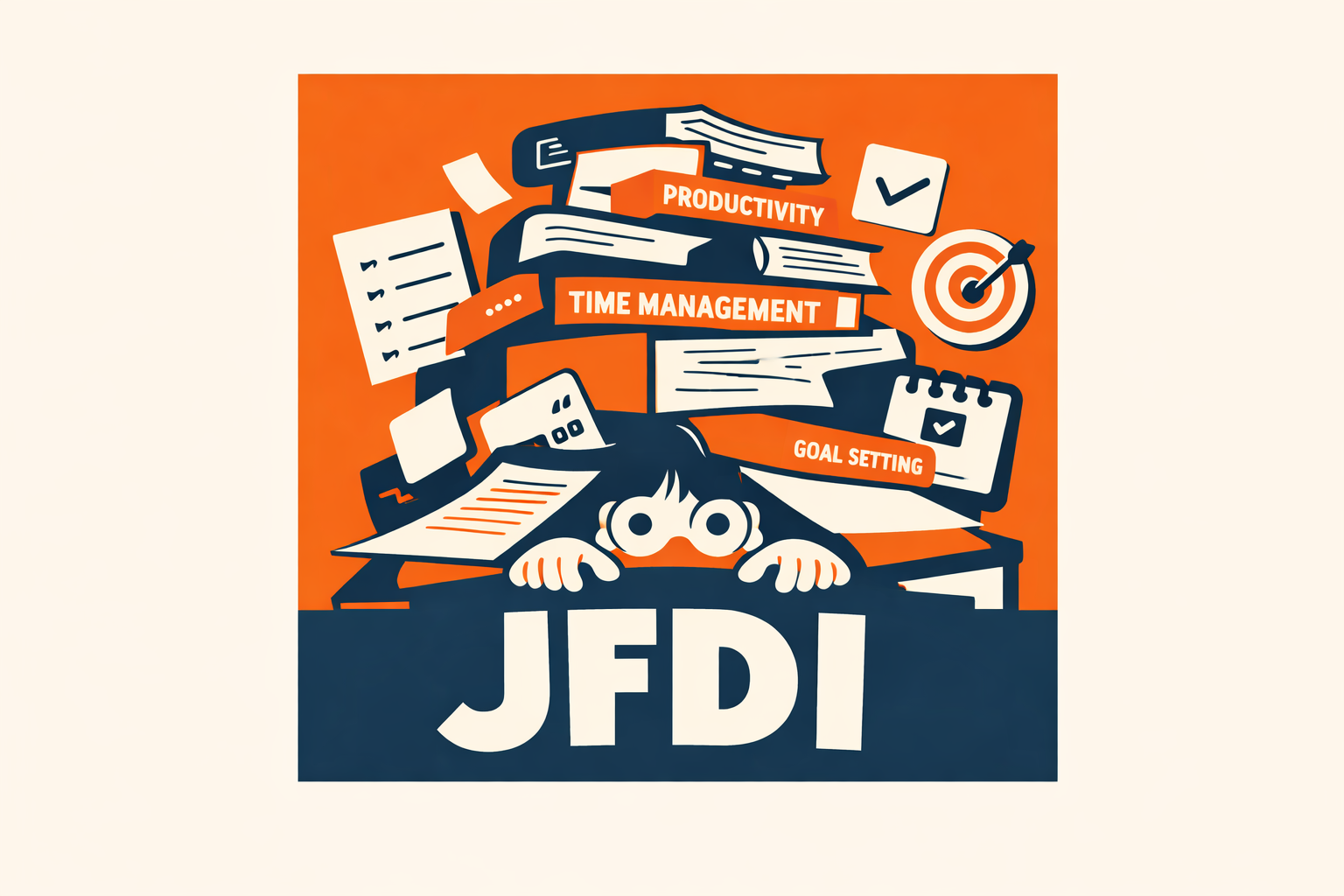
What apps do you use to help you write? I’ve always been a sucker for tools that help you outline ideas, draw mind-maps, store away notes, and generally be more efficient and productive. It became an addiction, and I spent more time installing and getting bored with apps that helped me work, than actually working.
Productivity Learning Curve
That happened without me even noticing it. Aside from my obsession with productivity tools, what took up all the time? Part of it was learning how to use the app, and then the more difficult task of incorporating it into my workflows.
To-do apps are a great example. Try out an app like Things or even just iOS/iPadOS Reminders, and it takes time to learn they work. Normally, they’re initially amazing and then you notice the gotchas. You can’t set up a recurring task, or something. Well, you find workarounds and start seeking alternatives. That takes a lot of time.
Too much time, which dilutes your enthusiasm for the app. You decide to put up with the limitations, and then you have to discipline yourself to use the app. In this example, it’s a To-do app, so you have to add a task every time you stumble across one.
Buyer’s Regret
At first, you do this with vigour. You’re eager to spot opportunities to create another task or reminder. Then you forget or start missing tasks. Still, you stick with it, especially if you’ve paid or are paying for it (subscriptions, ugh).
Then the tasks start to pile up, and you know you’re not clearing them. Often, it’s because you’re waiting for someone. You don’t have many levers over them, and you just have to wait, watching your to-do list growing.
Then you’re nervous about even launching the app. It just reminds you about what you haven't done. You go into denial, and then you read about another app that promises to be different: better. And the cycle repeats.
It’s JFDI now….
I don’t go looking for productivity apps any more. I don’t read books about them, either. It’s the stock iOS/iPadOS apps, Notes, Reminders for me or nothing.
Don’t get me wrong, it is essential to research and plan, but at the end of the day, the only productivity app most people need is JFDI. I’ll clean that up for family reading: Just Fecking Do It.
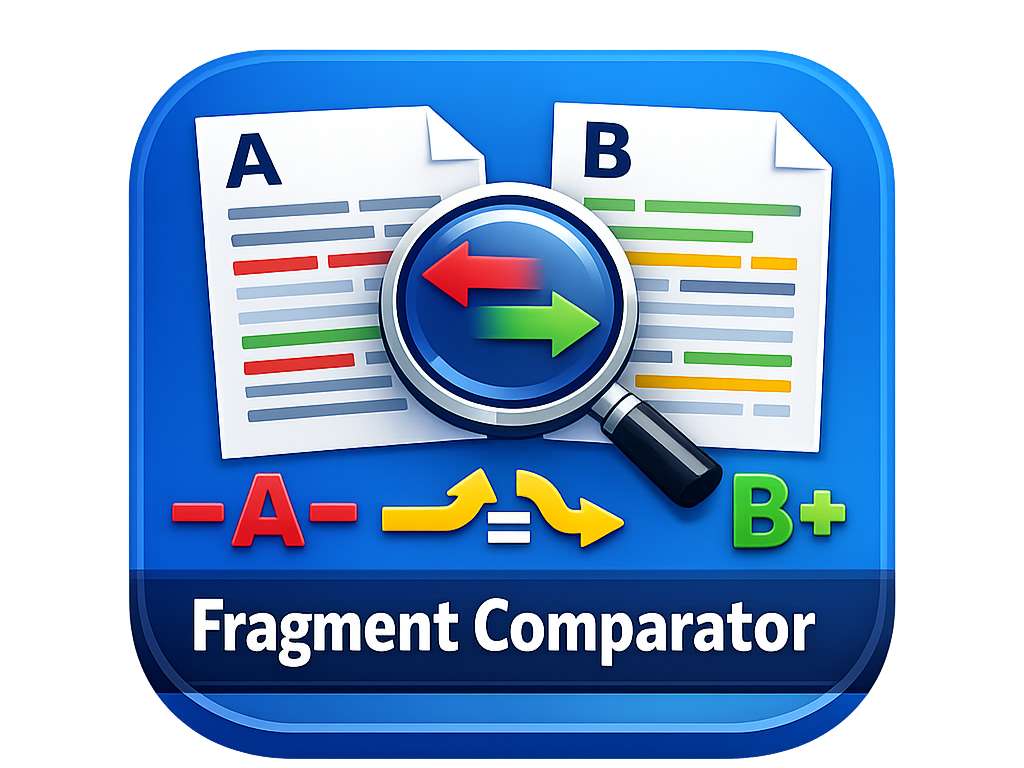
Introducing Text Fragment Comparator
Compare two drafts instantly by line, word, or sentence.
See what’s missing, what’s been added, what stayed the same, and what has moved. A quick browser-based tool for writers, editors, and developers checking revisions.
Do you ever have tired eyes? After hours of editing or coding, it can get tricky to spot subtle, or not-so-subtle, differences in blocks of text.
This was a particular problem during the creation of MOUSE. Matters got out of hand, and ChatGPT/Gemini wanted me to patch code. I wasn’t always sure when fragments of code could be replaced or just amended. Ideally, I wanted to just replace, but what had the AI changed?
Operating systems like UNIX provide comparison utilities: diff, cmp, comm, and sdiff. Almost too many options. I was developing on iPad. Then I thought: ChatGPT could write an app for that. So I asked it, and here it is.
Given two fragments of text, A and B, the tool identifies what’s in A but not B etc. You can compare on the basis of lines, words, and sentences. Sentence detection isn’t sophisticated. It looks for periods, plings etc. It’s a place to start, and it might be enough.

Introducing MOUSE
MOUSE is a free browser-based outline editor that uses Markdown as its source. Copy your Markdown document and paste it into MOUSE, and then edit its structure and contents.
Any writer’s story. A large writing project lands on my desk. My head is full of many, truly disordered ideas, and it’s too much. I get confused, overwhelmed by the chaos, and use an outliner tool to organise it all into a complex tree, but I’m not done. I have to create a document in an editor app, like Ulysses, based on the tree. Now I have two documents. Keeping it all synchronised will be a… pain. The outline, I worked so hard on, will soon be discarded, yesterday’s news.
Wouldn’t it be good if the document were the outline? Yes, it would, and apps like Microsoft Word can do that, but they use a proprietary format, and they’re a… lot. I’m a Markdown guy. I like it open and simple.
Then I read about how great AI is at writing programs. What if I persuaded an AI to write that try MOUSE out hereMarkdown outliner? Well, that’s what I did. And I used iPad Safari and Chrome to develop and run it. It’s now a key part of my workflow (I’m using it now), and I’m building novel length documents.
Really free?
Yes. MOUSE is a free tool provided as-is, and I’ve no interest in monetising it. It has no advertising, and you don’t have to log in. I don’t mind what your email address is, and cookies are better covered in chocolate than stored on your computer. I use it for my writing and thought others might also benefit.
As with any tool, verify results before relying on it for critical tasks. Otherwise, do something great with it and be happy.
Try it
You can try MOUSE out here.